The challenge
In 2012 my boss asked me to lead WCAG 2.0 compliance for the SDG&E and SoCalGas customer websites. I was the project manager, the lead, and the developer who implemented the fixes in code on the existing framework sites.
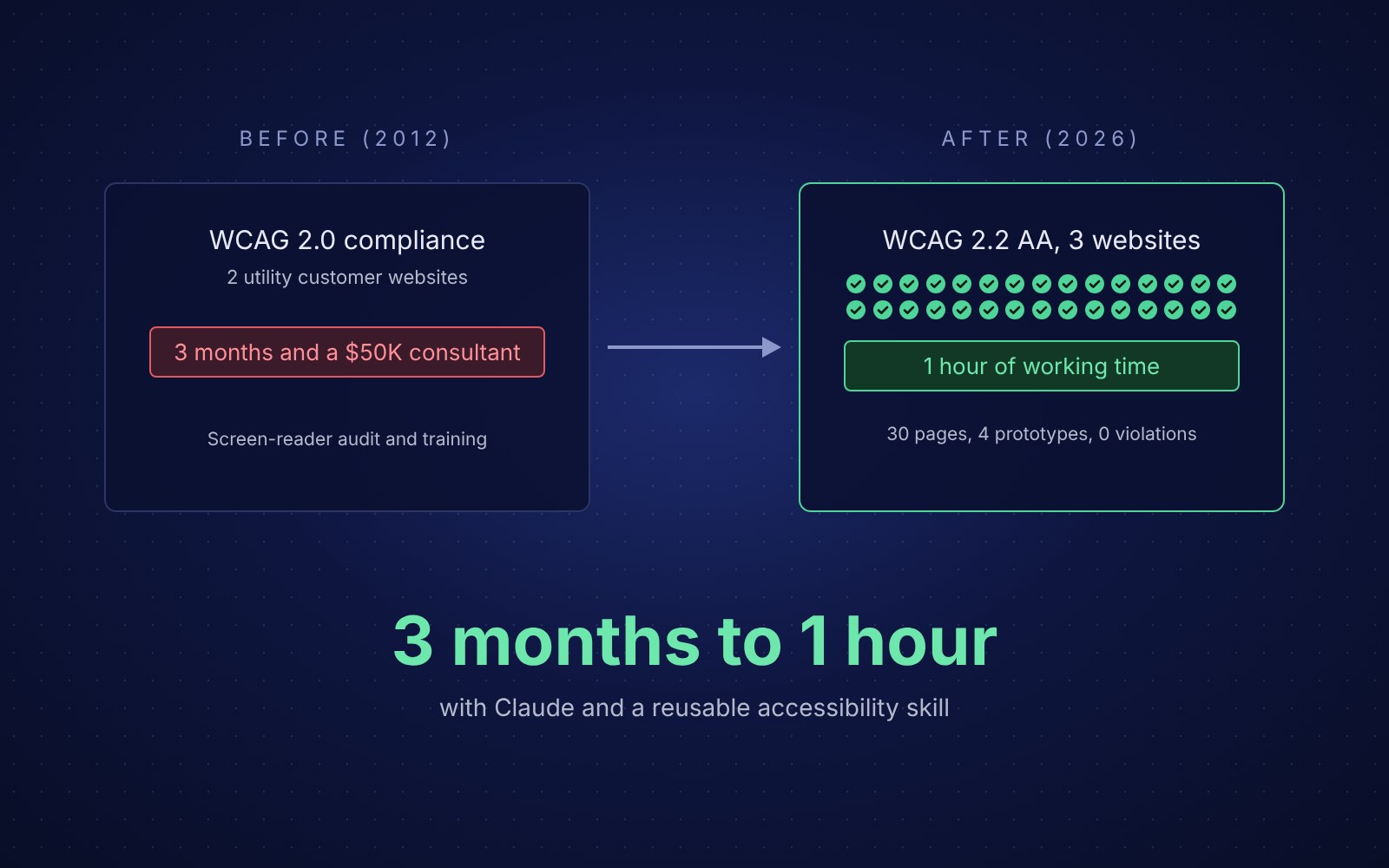
We hired an independent accessibility consultant for $50K to audit the sites and train me. The consultant tested every page with real screen-reader technology, and I reported the findings to the executive team. Audit and implementation took 3 months. The sites passed the consultant's full screen-reader audit, and no accessibility complaints or lawsuits followed.
Fourteen years later I had three live sites that had never been audited: my portfolio, my consulting site, and my wife Kate's practice site. The bar was also higher. WCAG 2.2 adds rules for tap target size, focus that stays visible, and sign-in forms that work with password managers.
My role
I owned the audit end to end: I set the standard (WCAG 2.2 Level AA), directed Claude through the scans and fixes, decided every change that touched layout, wording, or behavior, and reviewed the results before each commit.
The 2012 project is why this went fast. I already knew what a screen-reader user runs into and which fixes matter, so I could tell Claude exactly what to check and reject fixes that passed a scanner but hurt the experience.
2012 versus 2026
| 2012, SDG&E and SoCalGas | 2026, with Claude | |
|---|---|---|
| Standard | WCAG 2.0, Level AA | WCAG 2.2, Level AA (adds target size, focus not obscured, accessible sign-in) |
| Scope | 2 utility customer websites | 3 websites, 30 pages, 4 interactive prototypes |
| Testing | Independent consultant with real screen-reader technology | axe-core scans at desktop and phone widths, keyboard walkthroughs, manual review of every A and AA criterion |
| Time | 3 months, audit and implementation | 1 hour of working time |
| Outside cost | $50K for the audit and training | No consultant |
| Staying compliant | Depends on the team remembering the rules | A skill checks every future change |
How I solved it
- 1
Scan every page
Claude ran axe-core against the WCAG 2.0, 2.1, and 2.2 A and AA rules on every public page, at desktop and phone widths, in a headless browser.
- 2
Check what scanners miss
Keyboard-only walkthroughs of every page, the image viewer, and all 4 prototypes, plus a manual pass on each A and AA success criterion: tab order, visible focus, motion, and form errors.
- 3
Fix small, ask on big
Contrast, labels, alt text, 24-pixel targets, and focus styles were fixed and rescanned right away. Changes to layout, wording, or behavior came to me first, such as darker text tones and a pause button on Kate's photo carousel.
- 4
Prove it
Rescanned to 0 violations and published an accessibility statement on each site, with every WCAG section number linked to the W3C specification.
- 5
Package the method
Turned the process into an accessibility audit skill so every future change is checked before it ships, not in the next audit.
The timeline
- 9:40 AM Started the audit on Kate's practice site.
- 10:07 AM Kate's site fixes committed: contrast, skip link, carousel pause button, form error messages, accessibility page.
- 10:27 AM markpavlak.com and the Pavlak Consulting site fixes committed, including the 4 prototypes.
- 10:36 AM WCAG section numbers on all 3 accessibility pages linked to the W3C specification.
- 10:44 AM Sign-in form fixed so password managers can fill it (WCAG 3.3.8, accessible authentication).
The accessibility audit skill
A one-time audit decays the first time someone adds a page. The skill keeps the sites compliant without rerunning the full audit, and it sizes the check to the change:
- Copy-only edits get a quick inline check: contrast, link text, and heading order.
- New pages, layout, color, form, script, or prototype changes start a sub-agent that runs the axe-core scan and keyboard tests on the affected pages and reports pass or fail.
- Small failures are fixed automatically and rescanned: contrast, labels, alt text, target size, and focus styles.
- Anything that changes layout, wording, or behavior comes back to me for a decision first.
Results
- Accessibility statements live on markpavlak.com and Pavlak Consulting, each with a footer link on every page.
- What a tool still cannot replace: scanners and keyboard tests catch most barriers, but not everything a screen-reader user experiences. For a site with legal exposure, I still recommend a human screen-reader pass, the step that made the 2012 audit worth its cost.
Tools and stack
- Claude
- Claude skills
- Sub-agents
- axe-core 4.10
- Playwright headless browser
- HTML / CSS / JavaScript
- Cloudflare Workers
References
Industry standards and guidance relevant to this work.
- Web Content Accessibility Guidelines (WCAG) 2.2 (opens in a new tab)W3C
- Web Content Accessibility Guidelines (WCAG) 2.0 (opens in a new tab)W3C
- Guidance on Web Accessibility and the ADA (opens in a new tab)U.S. Department of Justice
- Section 508 accessibility program (opens in a new tab)GSA, Section508.gov
- axe-core accessibility testing engine (opens in a new tab)Deque Systems