The challenge
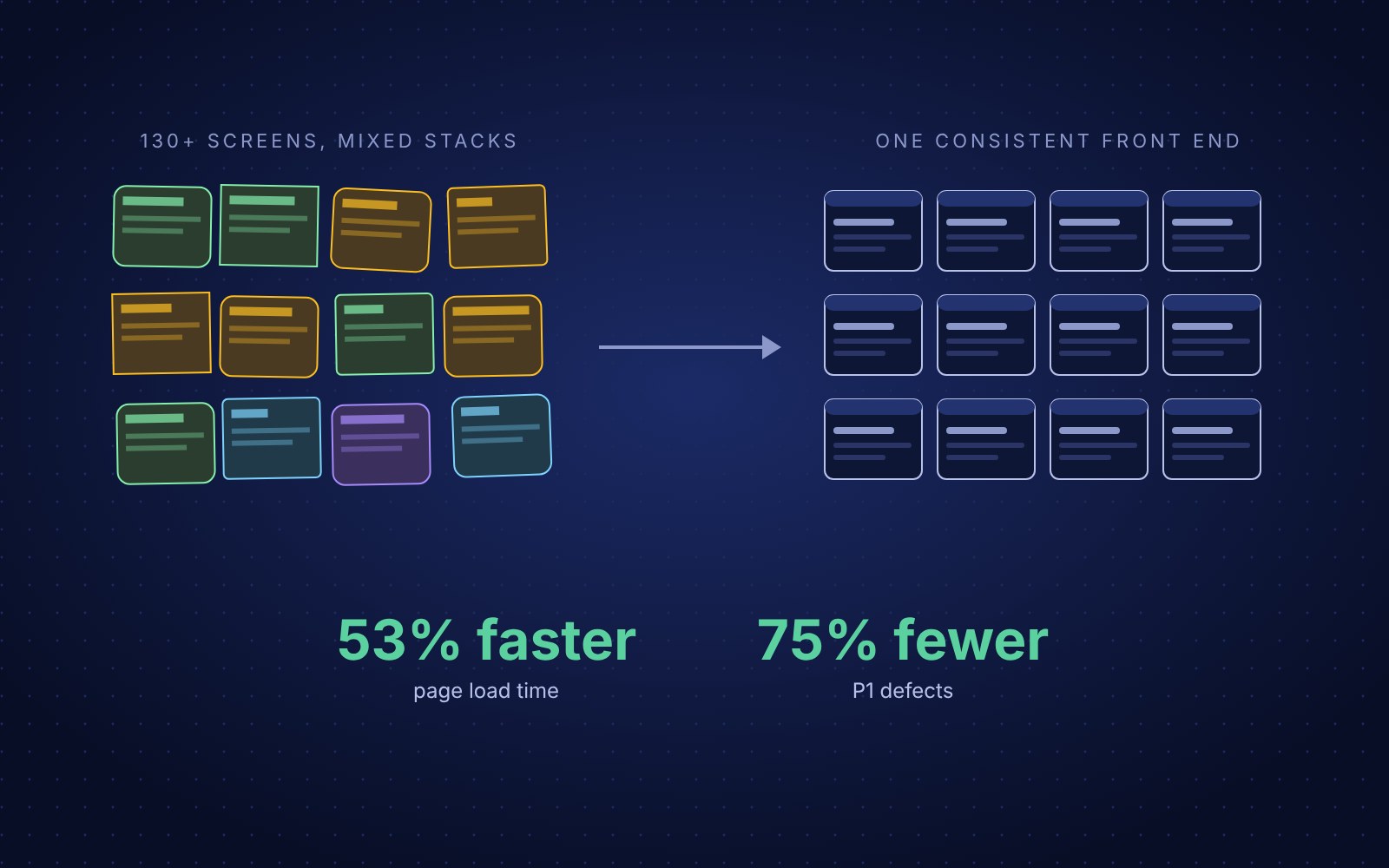
The core FinTech platform served very different users every day: internal analysts and operations, underwriters and clinicians, and executives and investors. It spanned 130+ screens across client reporting, acquisitions, valuations, executive dashboards, accounting, and clinical medical notes. An outside contracting agency had built it, and the company was bringing development in-house.
Its front end was built on jQuery, .NET MVC, and a mix of off-the-shelf UX and UI libraries. Screens were slow, each section looked and worked differently, and the code was hard and risky to change. It also ran on a .NET version Microsoft was ending support for, and every business unit used it daily, so we had to rebuild the ship while it was sailing.
Critical P1 defects reached users often and pulled the team off planned work, and there were no shared development standards for how code was built, reviewed, tested, or released.
My role
I owned the product side of the modernization: the requirements and acceptance criteria for every migrated screen, the UX and UI standards, and the rollout plan.
I also coordinated and managed a remote Latin American development team as part of delivery.
How I solved it
- 1
Start with the workflows
I met with every business unit, from accounting and the medical team to the deal team, financial auditing, and executives, to hear how they used their section, then dove into the business workflows behind the screens to simplify and improve them, rather than porting old screens as they were.
- 2
Rewrite the UX and UI standards
I rewrote the UX and UI standards so every section of the platform looked and worked the same way, replacing the mix of off-the-shelf libraries with one consistent Angular front end.
- 3
Set development standards
I set the development standards for how the team built, reviewed, tested, and released code, so the new front end stayed fast and safe to change.
- 4
Migrate in phases
We moved 130+ screens section by section, from client reporting and acquisitions to valuations, executive dashboards, accounting, and clinical medical notes, between September 2023 and May 2024 instead of a big-bang rewrite. I specified each screen and its acceptance criteria and signed off each phase.
- 5
Plan for rollout issues
I set up customer reporting channels to watch for issues as each phase went live, a defect reporting standard, and an SLA for how fast the team responded to and closed reported defects.
Results
- Load time fell 53% and P1 defects fell 75%, comparing before and after the Angular rollout.
- All 130+ screens, across six business areas, now follow one UX and UI standard on one Angular front end.
- Rolled out in phases from September 2023 to May 2024, with every business unit's feedback built into its section.
- What I learned: standards come before speed, fix the workflow rather than the screen, listen to every unit, and plan for rollout issues before they happen.
References
Industry standards and guidance relevant to this work.